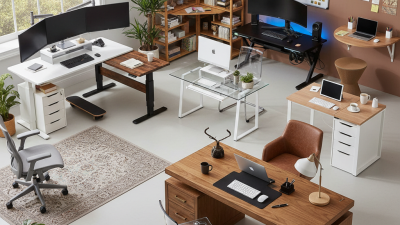
Best Computer Desk Ideas for Ultimate Home Office Productivity?
Creating a productive home office is crucial for many professionals today. According to noted productivity expert Laura Vanderkam, "Your desk setup is a silent partner in your productivity." The right Computer Desk plays a key role in shaping our work environment.
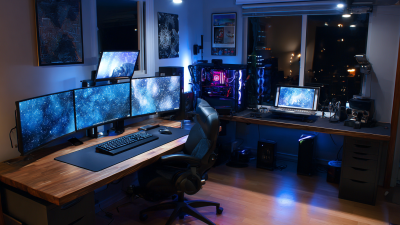
Choosing the best Computer Desk involves considering both function and aesthetics. A well-designed desk can boost focus and encourage motivation. For example, an L-shaped desk offers ample space for dual monitors, which is beneficial for multitasking. However, some may find these larger designs overwhelming, disrupting their workflow.
It's essential to find a balance. A minimalist desk might work better for those who crave simplicity. Meanwhile, ergonomic features should not be overlooked. A desk that supports good posture can help prevent discomfort during long hours. Ultimately, the best ideas for a Computer Desk should cater to individual needs and preferences, blending comfort with practicality.
Choosing the Right Size and Shape for Your Computer Desk
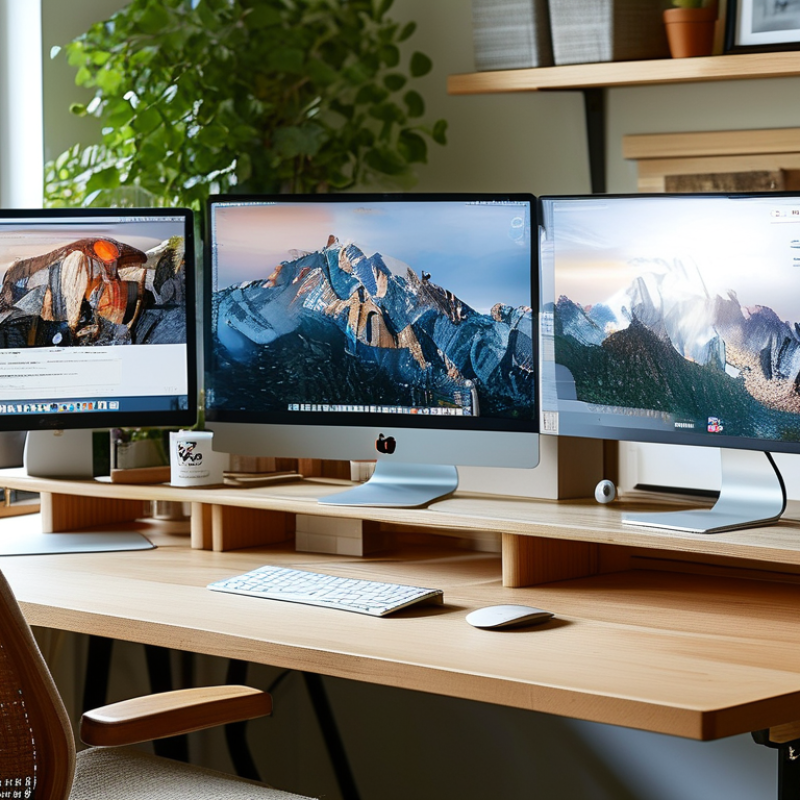
Choosing the right size and shape for your computer desk is crucial for maximizing productivity. According to a report by the International Ergonomics Association, an appropriately sized desk can improve focus and reduce stress. Standard desk heights range from 28 to 30 inches, accommodating most users effectively. Depth should be at least 24 inches to have enough space for a computer, monitor, and documents.
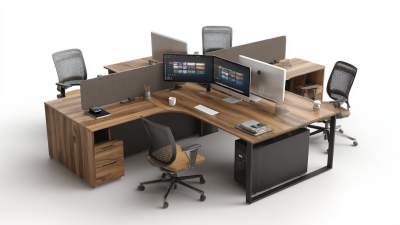
Tips: Measure your workspace before choosing a desk. Ensure you have enough room to move around. L-shaped desks can fit into corners and free up space, promoting an organized area. Consider the shape that encourages collaboration if you work with others, like U-shaped desks for team setups.
A study by the National Institute of Occupational Safety and Health shows that desk setup affects posture. Desks that allow for alternating between sitting and standing can enhance productivity. Height-adjustable desks are popular for this reason. However, not using them correctly can lead to discomfort, emphasizing the need for awareness. Ensure your monitor is at eye level to prevent strain, highlighting the importance of proper installation and positioning.
Essential Features to Enhance Home Office Productivity
In today's fast-paced world, a well-designed computer desk is essential for enhancing home office productivity. A report by Global Workplace Analytics reveals that remote work can increase productivity by 13%. However, the right environment matters significantly. A desk that accommodates your daily tasks can dramatically impact your workflow.
Essential features include ample surface area and ergonomic design. A surface area of at least 60 inches in width allows for multiple monitors and workspace organization. An adjustable chair can improve posture and reduce fatigue. According to a study from the Occupational Safety and Health Administration, proper ergonomics can prevent injuries and improve focus. Yet, many still neglect these features, sacrificing comfort for aesthetics.
Decluttering also plays a crucial role in productivity. Studies suggest that a tidy workspace can enhance concentration and creativity. However, maintaining this order can be challenging. Implementing storage solutions, like drawer organizers or cable management systems, helps in this aspect. Small changes, like incorporating plants or a mood board, can create a calming atmosphere, yet many overlook these details. Embracing simple refinements fosters a productive environment, but it requires consistent effort and reflection on personal habits.
Material Options: Wood, Metal, or Glass for Your Desk
Choosing the right material for your desk can significantly impact your productivity and comfort at work. Wood, metal, and glass are popular options, each with unique characteristics. According to a study by the American Society of Interior Designers, 70% of professionals believe that their work environment affects their focus and output. The material of your desk plays a vital role in this equation.
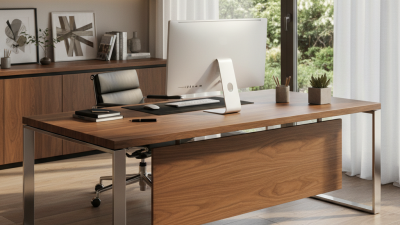
Wooden desks provide warmth and a classic aesthetic. They tend to be sturdy and can support heavier equipment. However, wooden desks can also be prone to scratches and moisture damage, requiring regular maintenance and care.
On the other hand, metal desks often embody modern design. They are durable and can hold up against heavy use. However, they can feel cold and uninviting. Researchers find that a workspace's feel affects employee satisfaction. Metal may not foster the best atmosphere for creativity.
Glass desks offer a sleek and contemporary style. They can create an illusion of more space, which may enhance focus. However, glass can be easily smudged and may require frequent cleaning. It’s worth noting that aesthetics are just one part of the equation. According to the International Ergonomics Association, the physical design of a workspace should prioritize both comfort and functionality.
As we choose materials, we must reflect on how they support our daily tasks and well-being, ensuring the best fit for our personal and professional needs.
Organizational Tools to Keep Your Workspace Clutter-Free
Creating an organized workspace is vital for productivity. A clutter-free desk can enhance focus and streamline tasks. Research shows that disorganization can waste up to 2 hours each day. Many professionals overlook this aspect, resulting in delays and stress.
Implementing effective organizational tools is key. Use trays and drawer organizers for documents and supplies. Approximately 50% of remote workers report higher productivity with organized desks. Investing in vertical space helps too. Shelves and wall-mounted units can reduce surface clutter. An empty desk promotes clearer thinking.
It's essential to regularly evaluate your setup. What works for one may not work for another. Prefer simplicity? Consider minimalism. Are there items collecting dust? Let them go. A periodic review can reveal hidden distractions that disrupt focus. Embrace the journey to an efficiently organized workspace.
Creating an Ergonomic Setup for Comfort and Efficiency
Creating an ergonomic setup is essential for comfort and efficiency in a home office. An adjustable chair can support your back and help maintain good posture. It allows you to sit comfortably for long periods. Your feet should rest flat on the floor, or on a footrest. This will reduce tension in your legs and back.
A desk that fits your needs is equally important. Consider the height and size. Ideally, it should align with your elbows when sitting. Monitor placement is critical too. The screen should be at eye level to prevent neck strain. Use monitor risers to adjust the height if necessary.
Adding small elements can enhance your workspace. A desk mat can improve comfort while typing. You may also need a screen glare filter for your monitor. These details can be easy to overlook. Regularly evaluate your setup. You might find areas needing improvement. Adjusting your workspace can lead to greater productivity and less fatigue.